 Simple Edit
Quick audio edits, without the DAW.
A free native Mac waveform editor for single audio files. Trim, cut, fade, normalize, and export WAV or AIFF without opening a full DAW.
macOS 14.0+ · Apple Silicon & Intel · 2.8 MB DMG
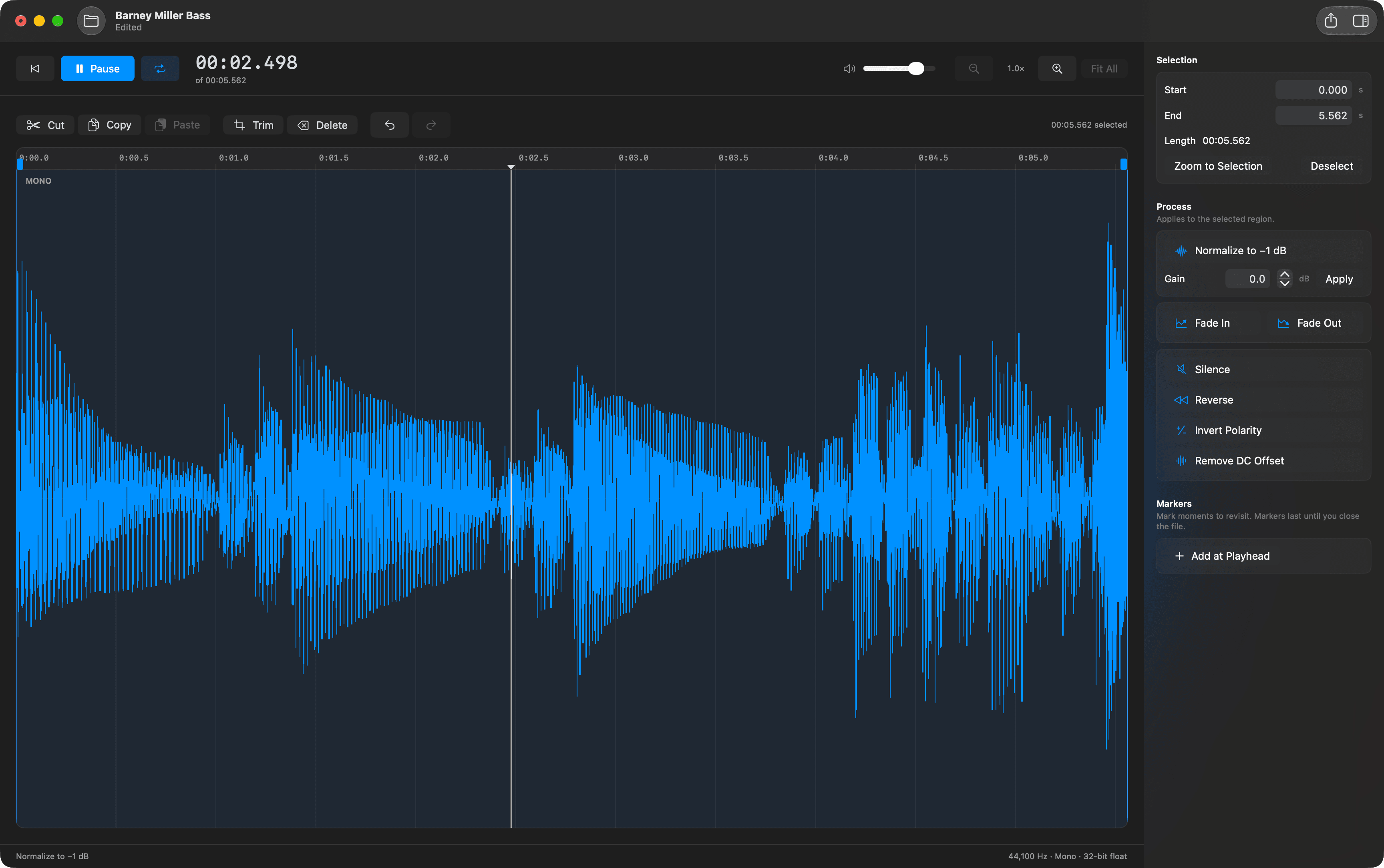
Everything a quick edit needs.
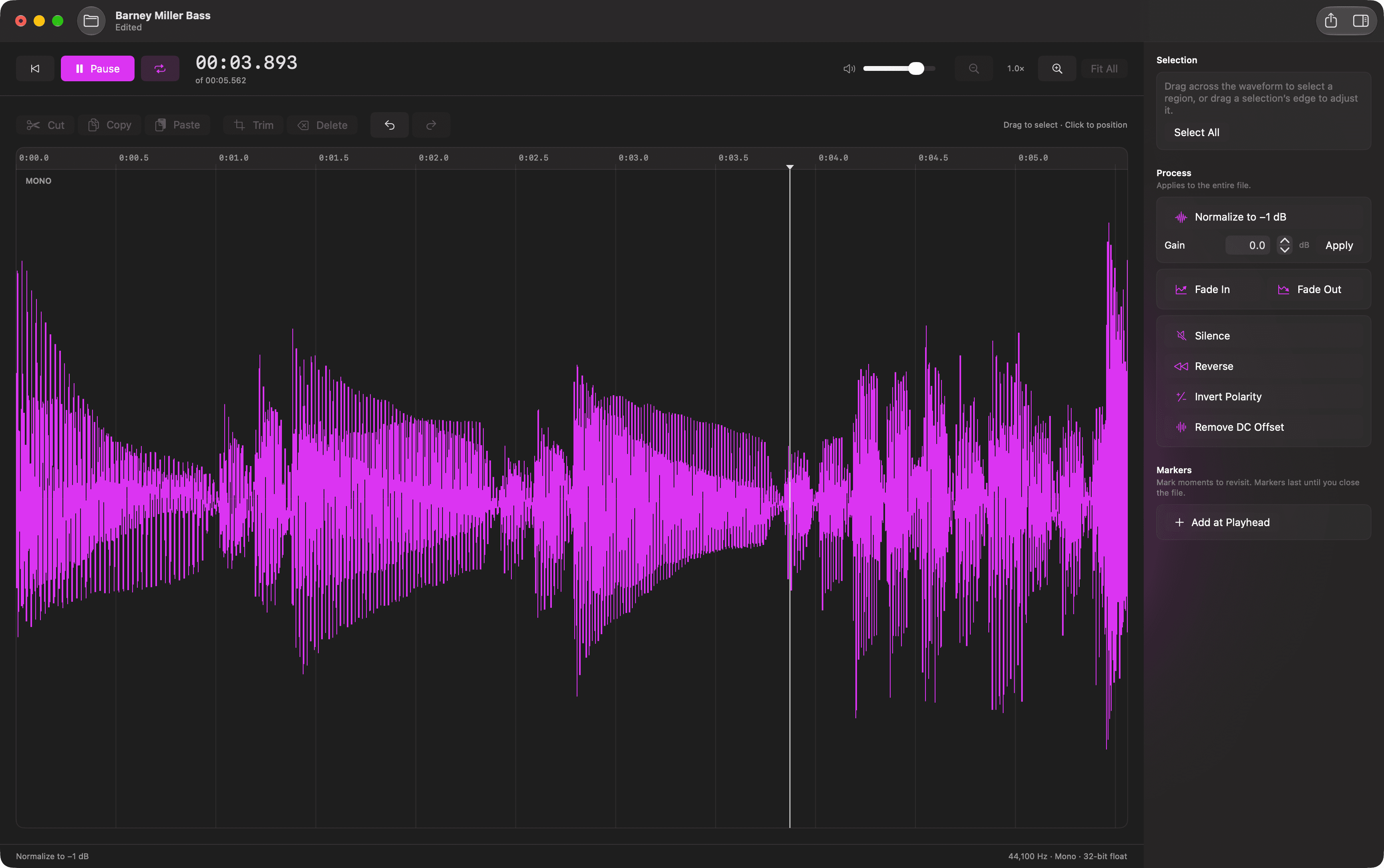
Open, edit, export
Open WAV, AIFF, CAF, MP3, or M4A by dropping a file on the window. Export the whole file or just the selection as 16-bit, 24-bit, or 32-bit float WAV or AIFF.
Select and cut with precision
Drag to select, adjust the edges, or type exact start and end times. Cut, copy, paste, trim, and delete, with undo and redo. Zoom in until you see individual samples.
The everyday processes
Normalize to −1 dB, change gain, fade in and out, silence, reverse, invert polarity, and remove DC offset. Each applies to the selection, or to the whole file when nothing is selected.
Instant playback
Play from the playhead or loop a selection straight from memory. Add markers to moments you want to revisit.
Make it yours.
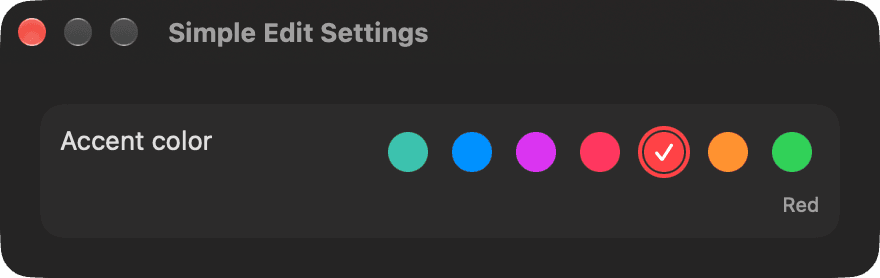
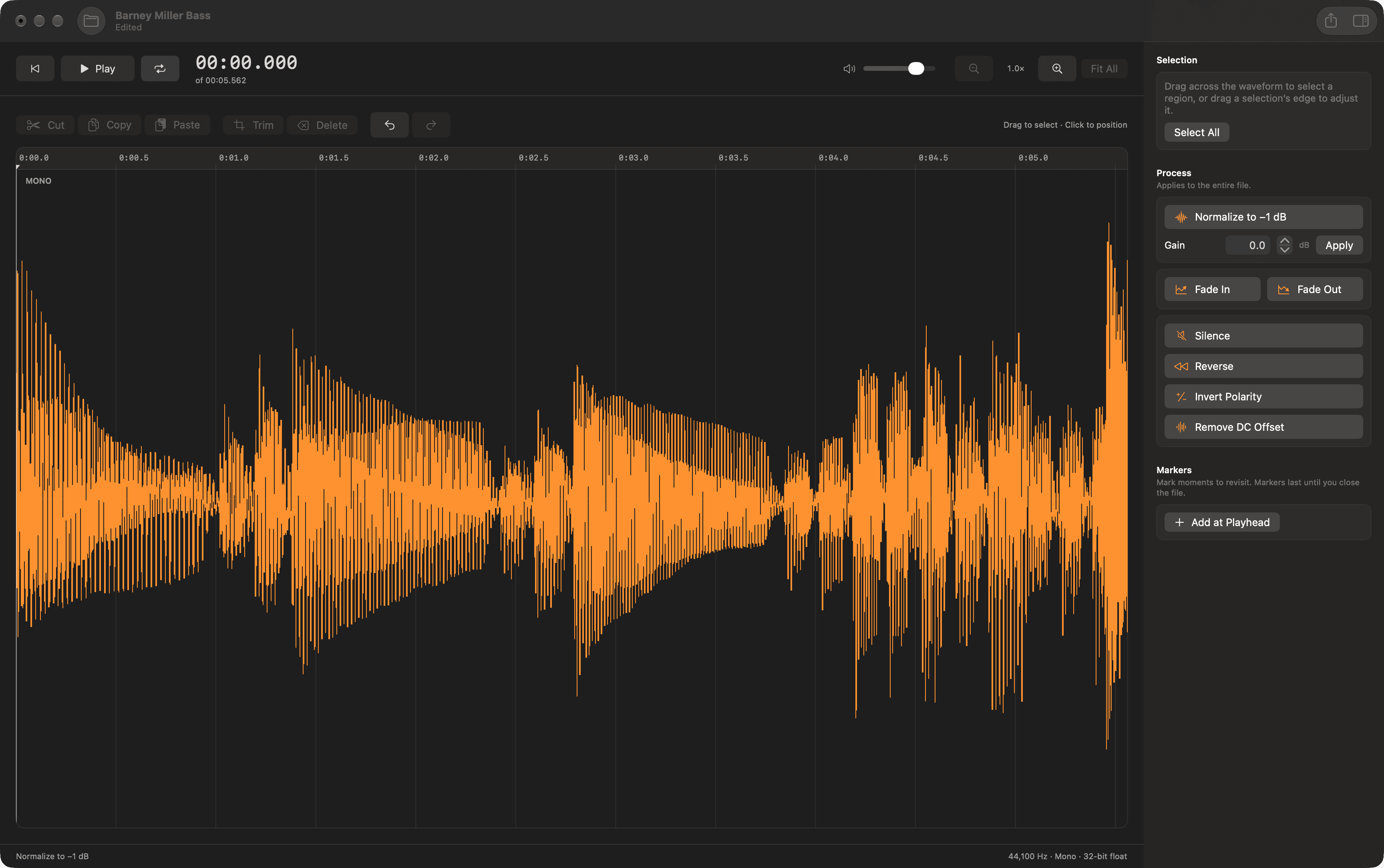
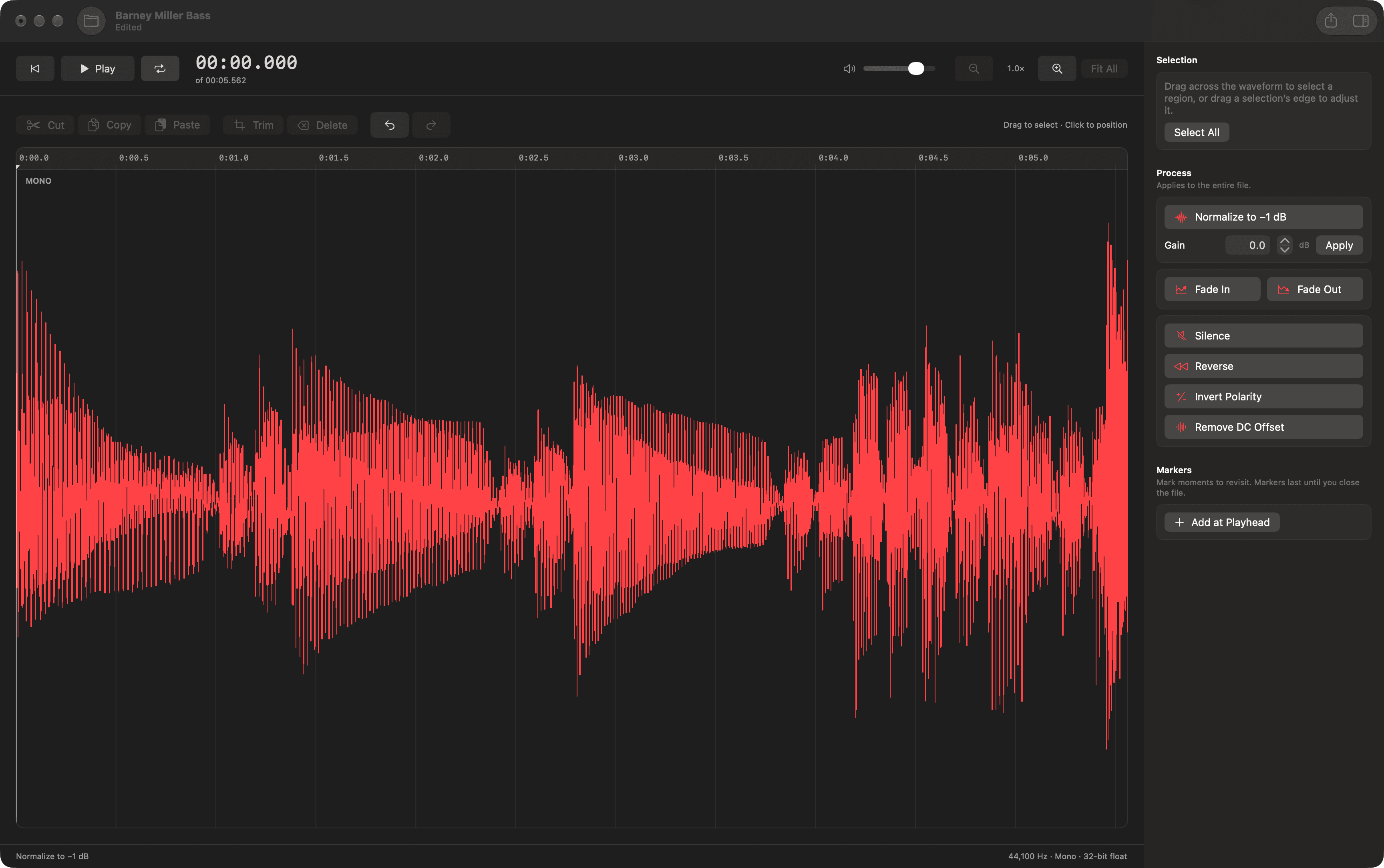
Choose one of seven accent colors in Settings. The waveform, selection, and controls change together, right away.
Up and running in a few steps.
- Download the disk image and double-click it to open.
- Drag Simple Edit onto the Applications shortcut.
- Open Simple Edit from Applications, then drop an audio file on the window or choose Open Audio.
The app and disk image are Developer ID signed and notarized by Apple. macOS may ask you to confirm the first launch.
Good to know.
Simple Edit works on one file at a time and never changes your source file unless you choose to replace it when exporting. Markers last for the session and are not written into exports.
It runs in the App Sandbox and only reads the files you open. It has no analytics, account requirement, or network access.
Release details
Release details & checksum
- Version
- 1.0.0 (build 1)
- Compatibility
- macOS 14.0+ · Apple Silicon and Intel
- Release notes
- First public release. Simple Edit is a fast, native waveform editor for single audio files. Open WAV, AIFF, CAF, MP3, or M4A; select, cut, copy, paste, trim, and delete with undo; apply normalize, gain, fades, silence, reverse, polarity inversion, and DC-offset removal; add markers; and export the file or a selection to 16-bit, 24-bit, or 32-bit float WAV or AIFF. Choose your accent color in Settings.
- SHA-256
151e5ba8c480b4c05c63708d66a260ec942c7c6b7ca064939888db6a23224dbb
Need help? Contact DorDev.