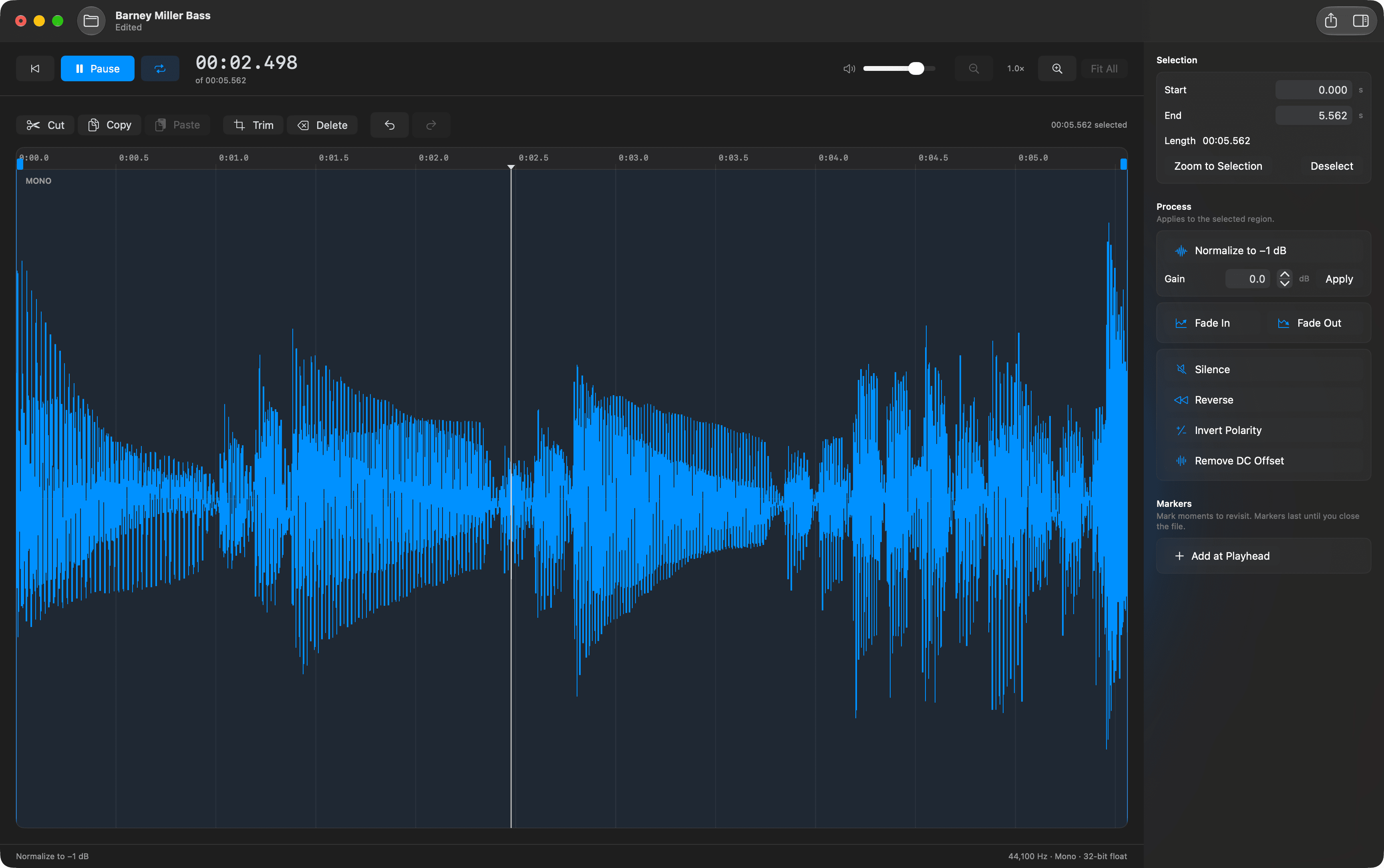
Mac apps from DorDev.

Explore our apps, see how they work, and download the tools you need.

Mac Tools

Version 1.0.1 · macOS 14.0+

See what takes up space. Review what you clear.

Explore disk usage, remember your drives, and review selected app files before moving them to Trash. Scans stay on your Mac.

  • Interactive folder map
  • Saved drive scans
  • Reviewed cleanup

Apple Silicon & Intel · Signed & notarized
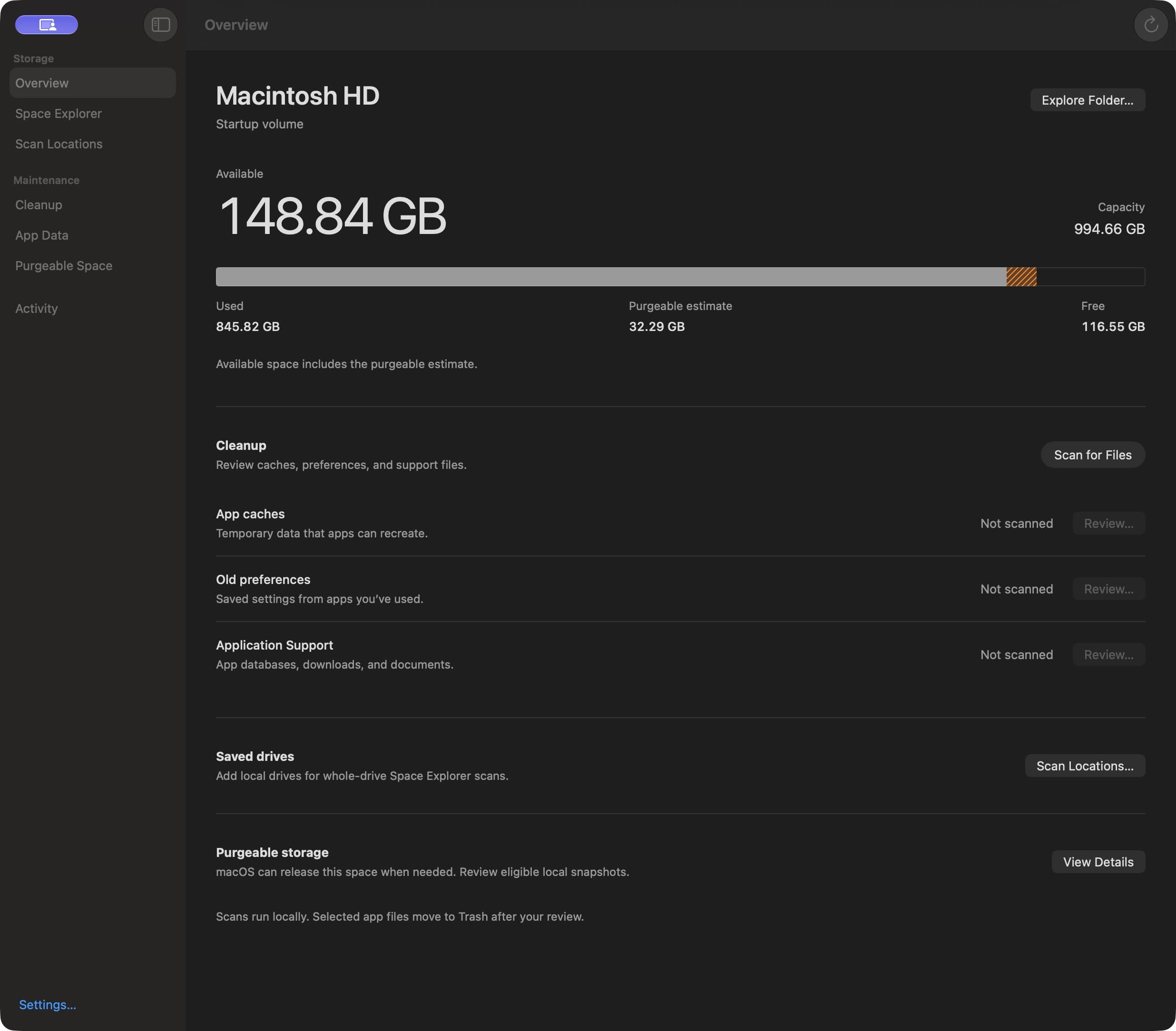
Mac Tools showing disk capacity, storage allocation, and cleanup categories.

Caffeinate Menu

Version 1.0.0 · macOS 13.0+

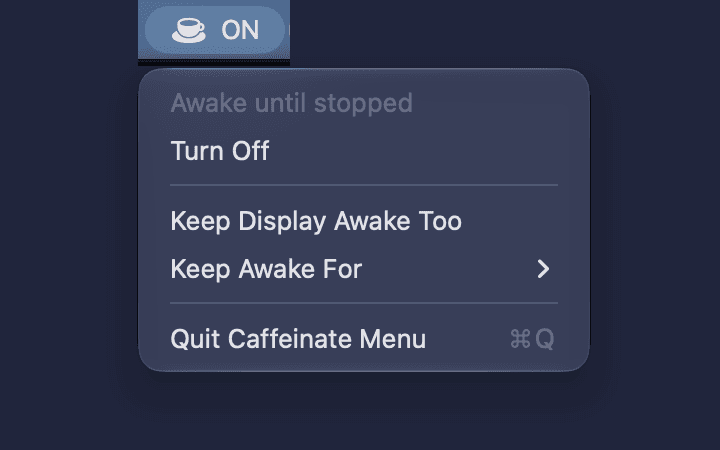
Keep your Mac awake from the menu bar.

Turn sleep prevention on until you stop it or for a set time, and optionally keep the display awake too. It ends when you turn it off or quit.

  • One-click toggle
  • Timed sessions
  • Display awake option

Apple Silicon & Intel · Signed & notarized

Caffeinate Menu open in the menu bar, showing it is on with options for the display and duration.

Help with an app?

Get installation guidance on the app page, or contact us for support.

Contact support